
圖 / 文 : 巴斯
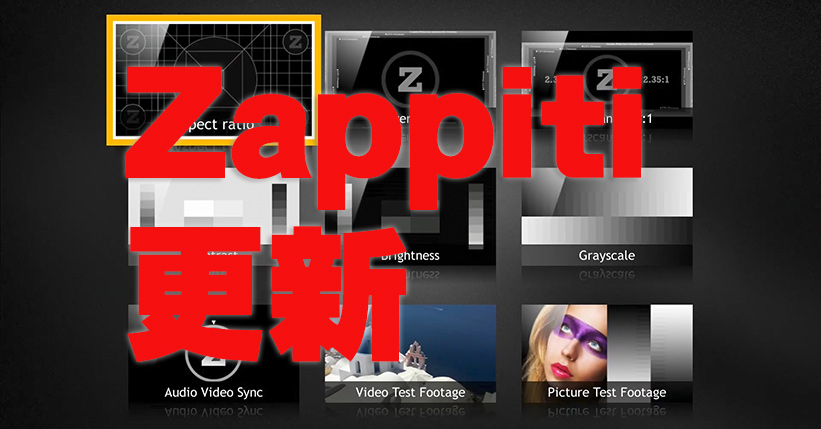
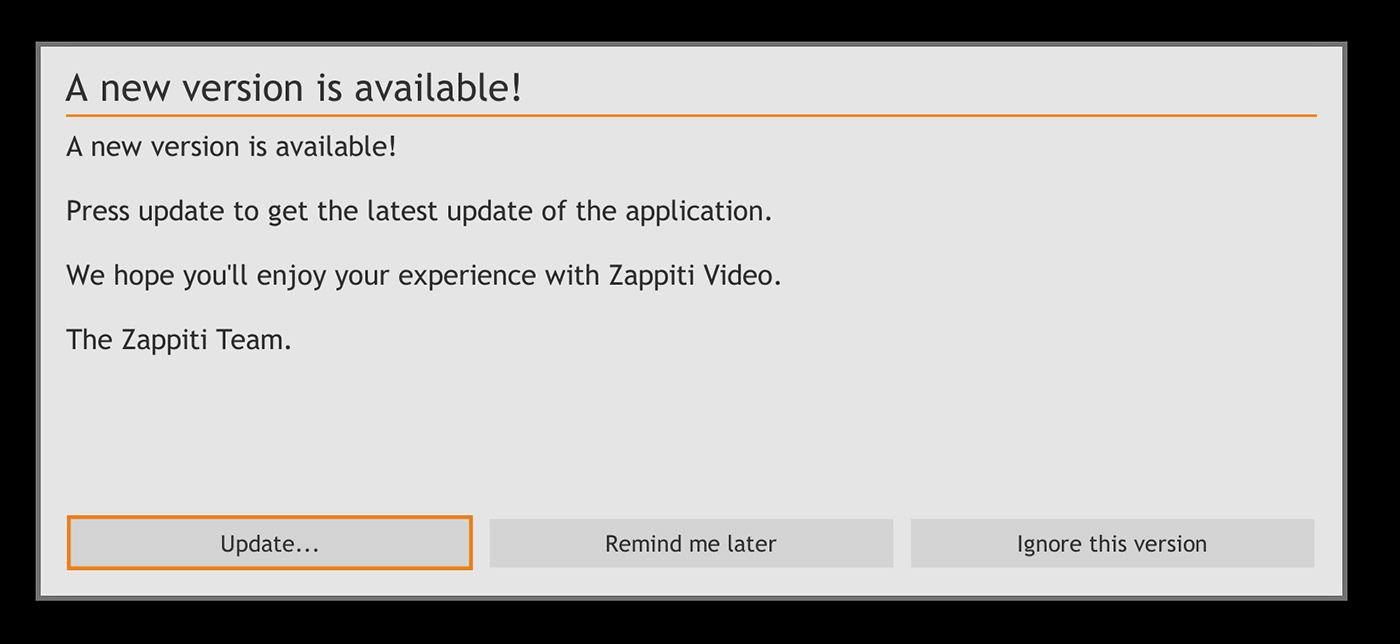
Zappiti 近日推出名為 4.22.248 Beta 版的更新,用戶無論是電腦軟件 Zappiti video 或 Zappiti 播放器,開機時都會出現下圖所見更新通知,依程序做就可以了。用戶不喜歡當白老鼠,應該等正式版推出後先更新也無不可,免得有風險。
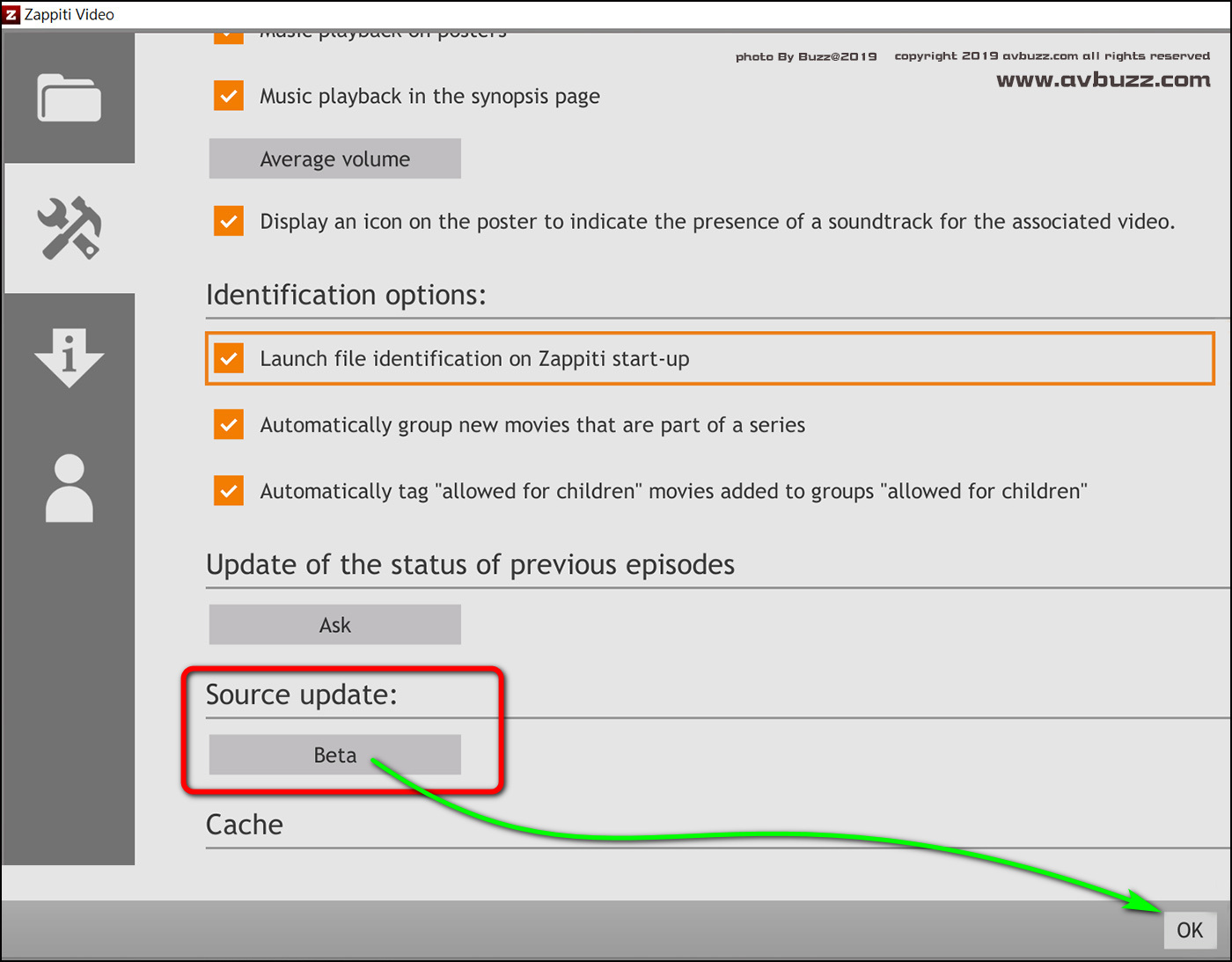
如果沒有出現上述畫面的話,一定是因為在 Zappiti 設定裡,被設定成唔要 Beta 版,一定正式版先要。由於今次是屬於 Beta 版,不通知是正常的。下圖所見,就是透過齒輪設定進入 Zappiti 操作介面,可見被設定正式版先要的更新。
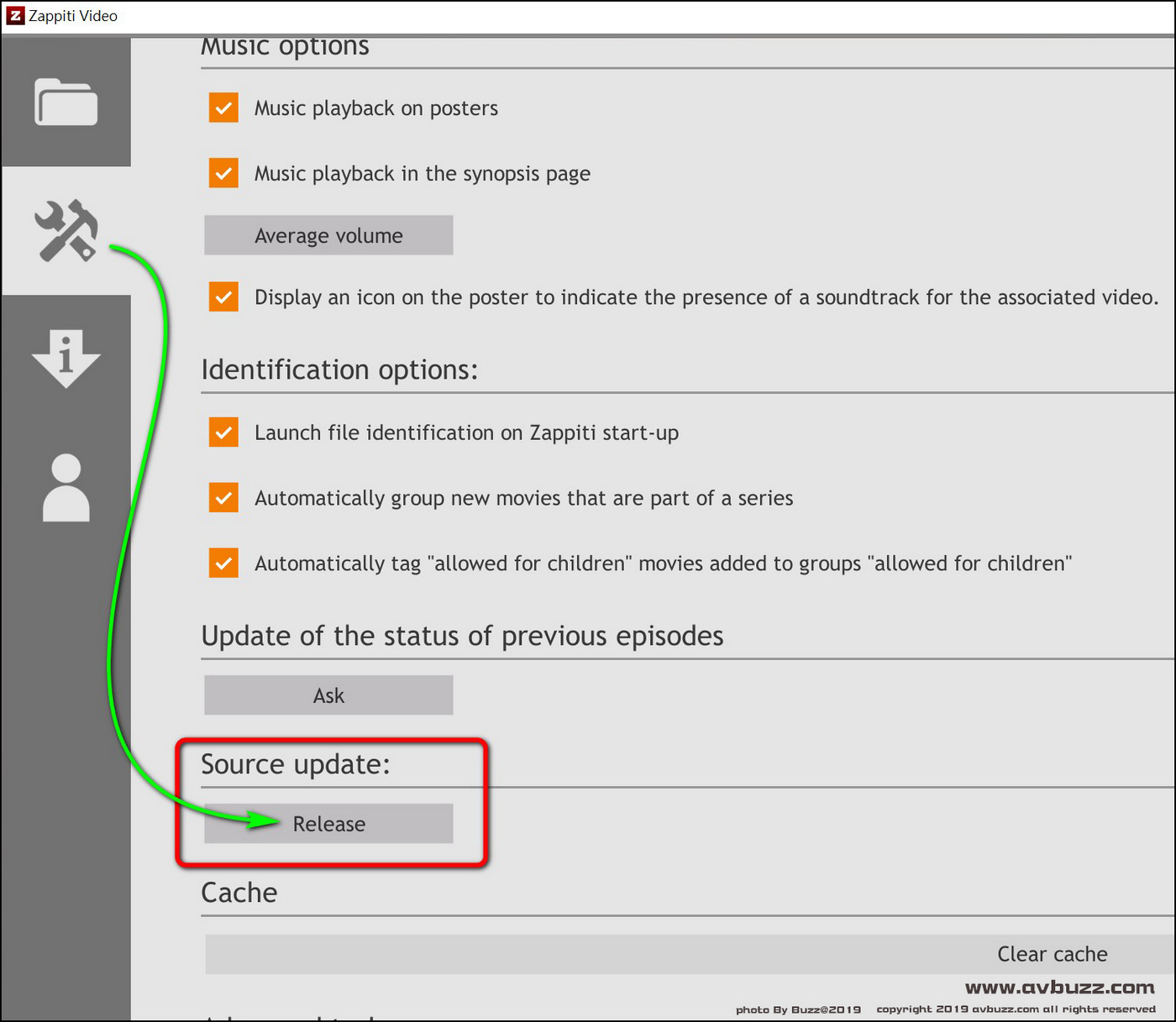
按下去就會出現以下選項。
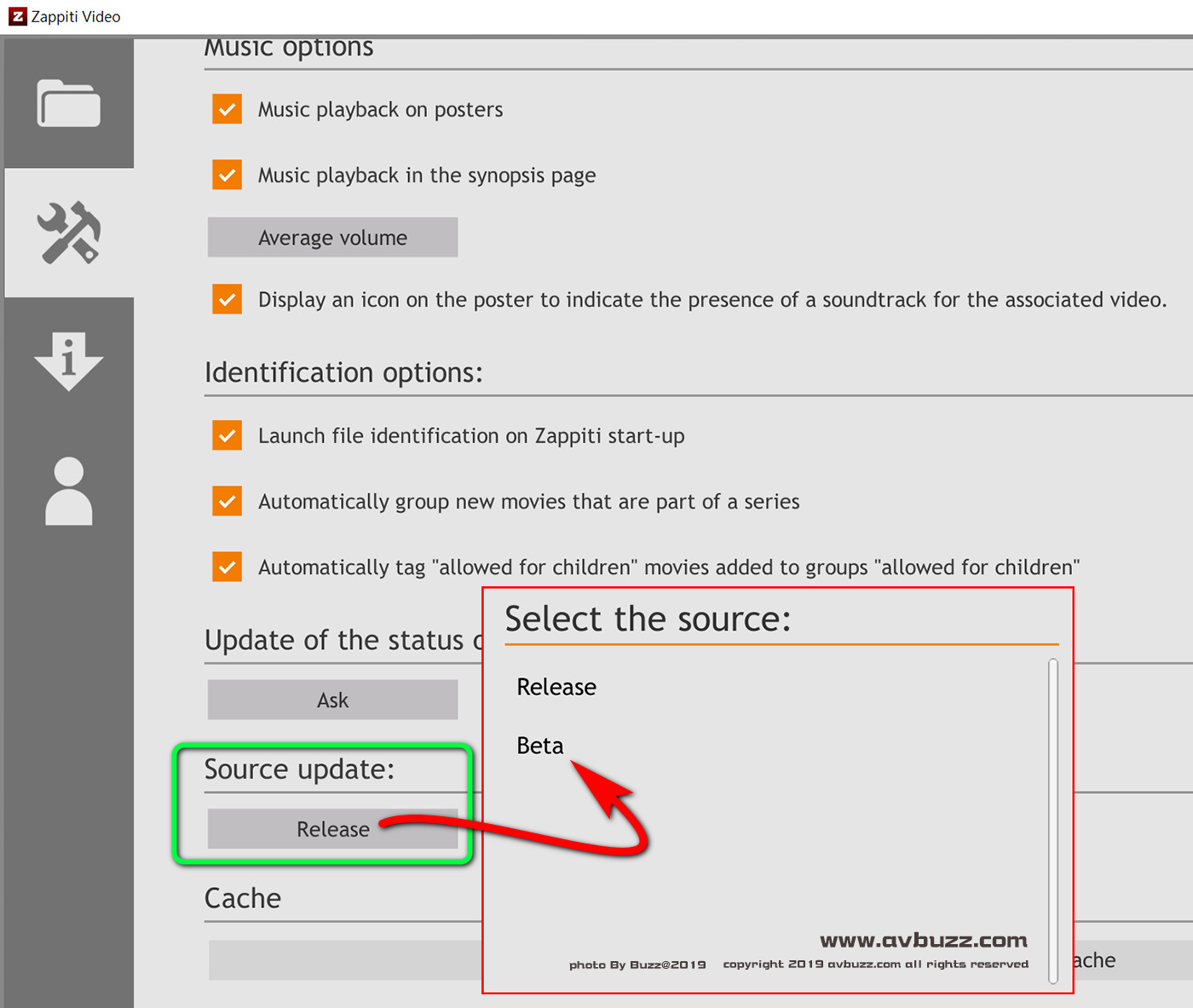
選取為 Beta 都殺,設定完記得按右下角的 Ok 鍵。
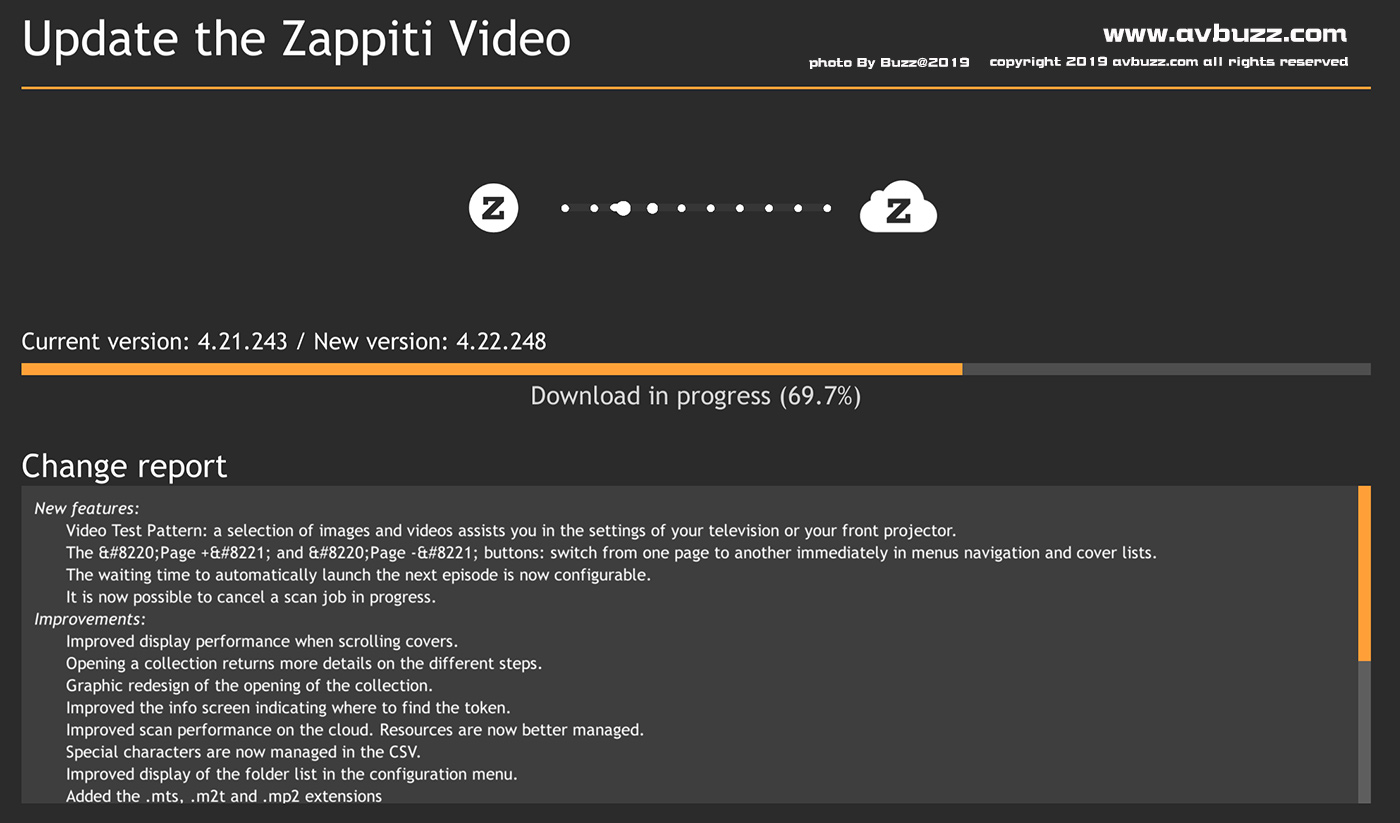
當用戶重新啟動 Zappit 後,就會見到本來無出現的更新通知了,之後當然係依次序和步驟做就可以了。
過程簡單地在等…….在等的過程中,下面有文字講述今次更新加入什麼功能,改進了什麼,和解決了什麼問題。
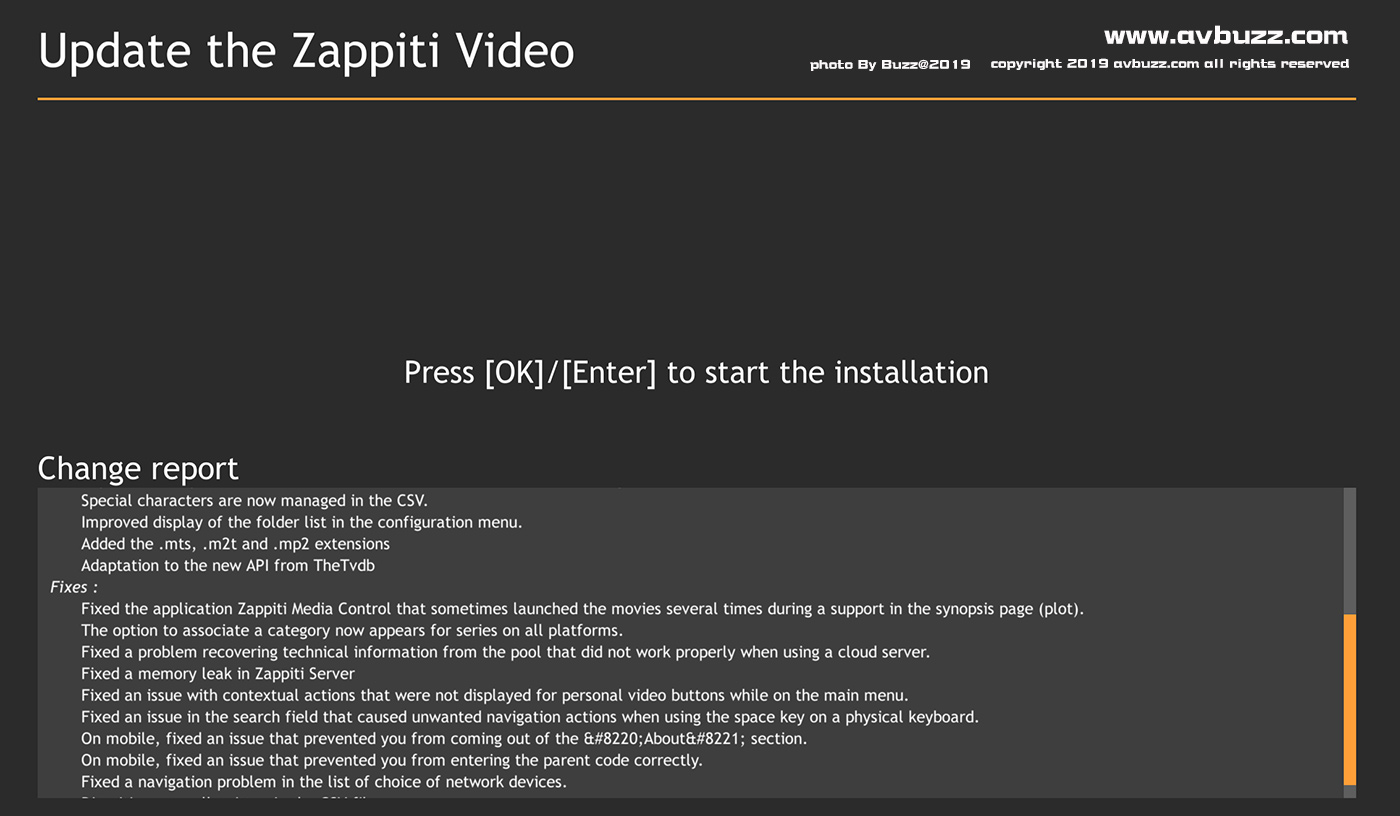
等待不到一分鐘後,就會出現呢個畫面,按 Keyboard 上的Enter或遙控上的 OK 鍵進行安裝步驟。
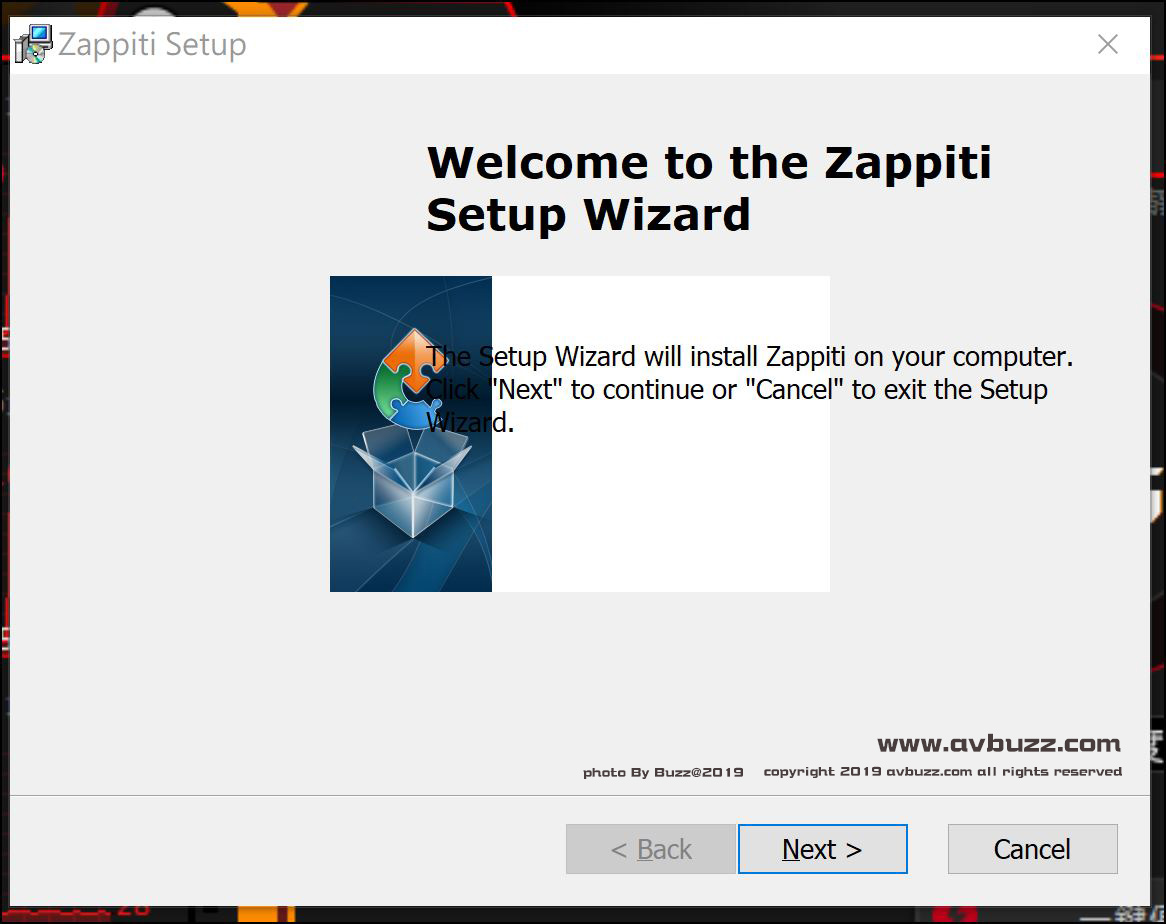
之後就會出現呢個畫面,按 next 或 install 鍵後,便等收成。
Video Test Patterns
今次更新所加入的 Video Test Patterns,在 Zappiti 播放器遙控按 menu鍵 就會出現大家熟識的這個畫面。
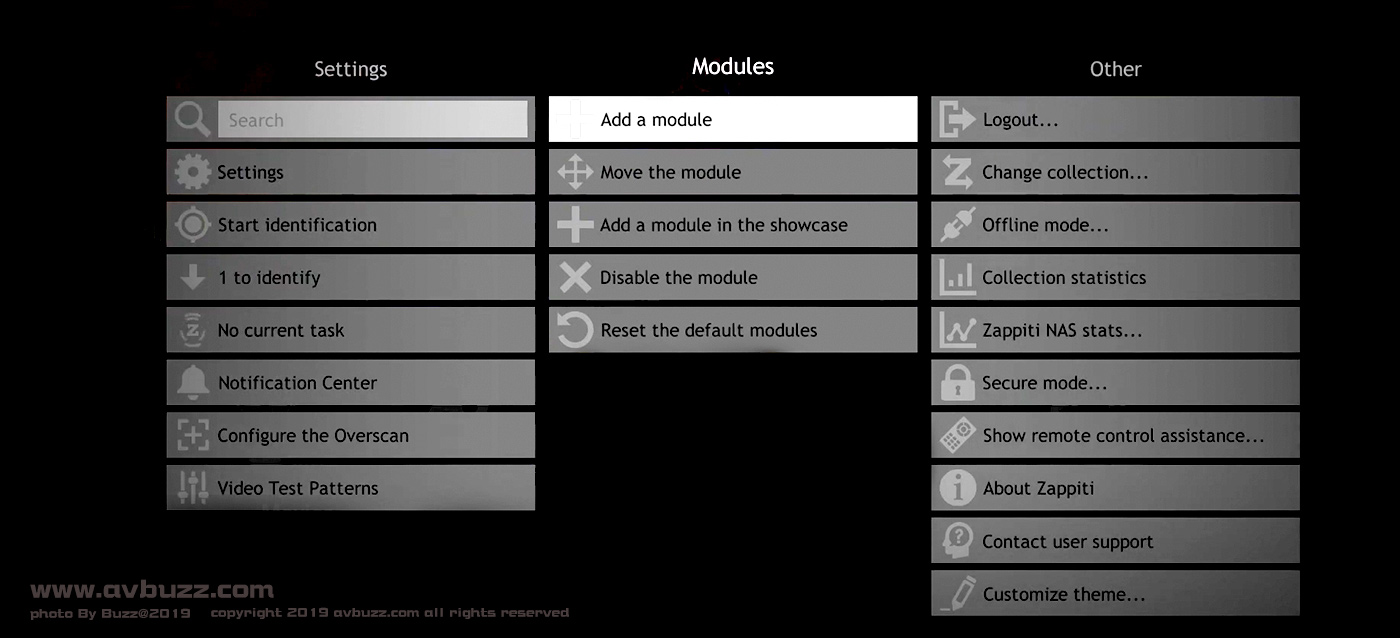
左手邊最後一行選項裡,這個陌生選項,就是今次新加入的 Video Test Patterns,電腦版當然不存在這個設定吧。
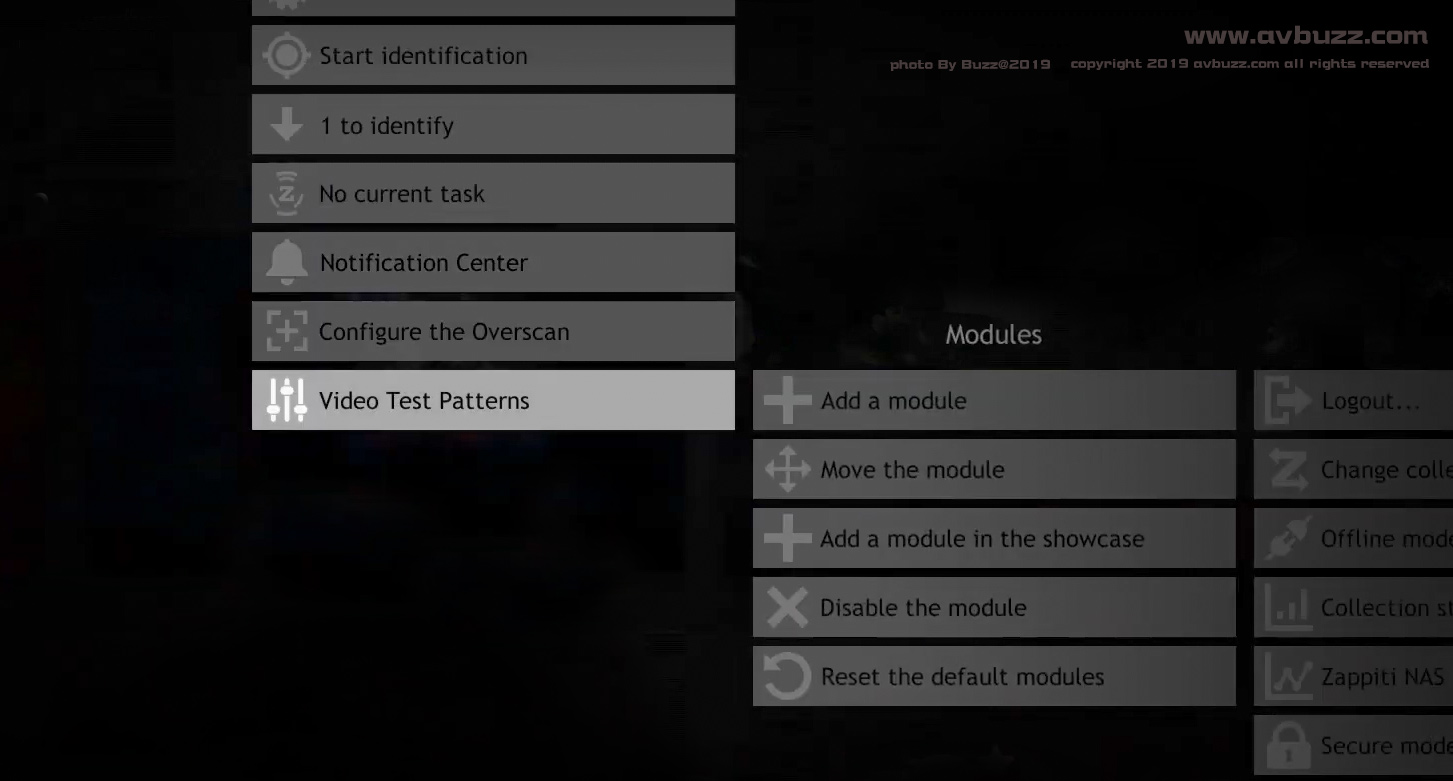
提供 2K 和4K 顯示器的選擇。

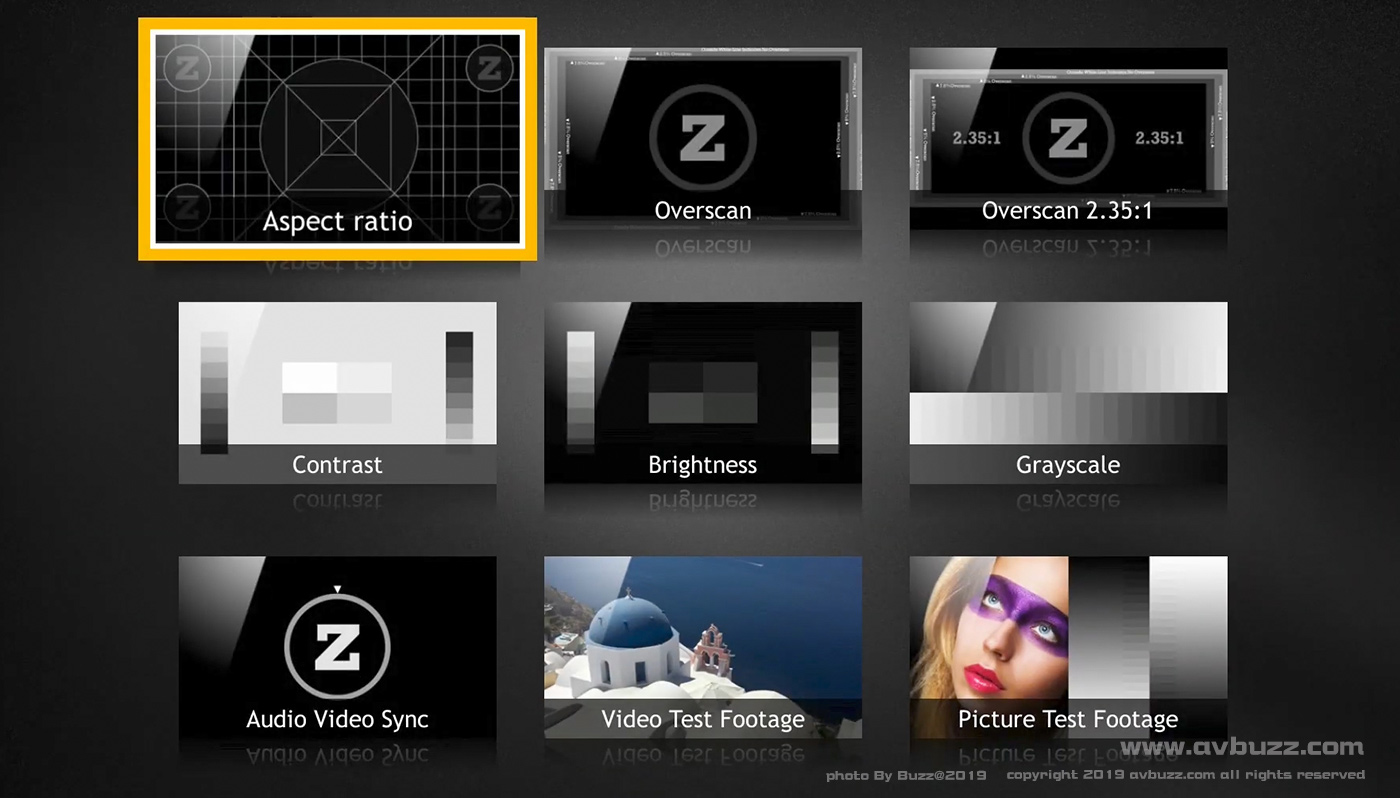
一目了然9款工具在大家面前出現,最前面 7個工具是給用家配合投影機或電視機作出調校,最後2個參考工具分別是動態Video和靜態硬照,作為完成調校後參考之用。
以下就是 4.22.248 ( Beta版 ) 更新內容介紹 :
New features:
Video Test Pattern: a selection of images and videos assists you in the settings of your television or your front projector.
The “Page +” and “Page -” buttons: switch from one page to another immediately in menus navigation and cover lists.
The waiting time to automatically launch the next episode is now configurable.
It is now possible to cancel a scan job in progress.
Improvements:
Improved display performance when scrolling covers.
Opening a collection returns more details on the different steps.
Graphic redesign of the opening of the collection.
Improved the info screen indicating where to find the token.
Improved scan performance on the cloud. Resources are now better managed.
Special characters are now managed in the CSV.
Improved display of the folder list in the configuration menu.
Added the .mts, .m2t and .mp2 extensions
Adaptation to the new API from TheTvdb
Fixes :
Fixed the application Zappiti Media Control that sometimes launched the movies several times during a support in the synopsis page (plot).
The option to associate a category now appears for series on all platforms.
Fixed a problem recovering technical information from the pool that did not work properly when using a cloud server.
Fixed a memory leak in Zappiti Server
Fixed an issue with contextual actions that were not displayed for personal video buttons while on the main menu.
Fixed an issue in the search field that caused unwanted navigation actions when using the space key on a physical keyboard.
On mobile, fixed an issue that prevented you from coming out of the “About” section.
On mobile, fixed an issue that prevented you from entering the parent code correctly.
Fixed a navigation problem in the list of choice of network devices.
Diacritics are well written in the CSV file.

:全文完: